Account
Delete Your Account
How to delete your Nauta Log account and what happens to your data.
How to delete your Nauta Log account and what happens to your data.
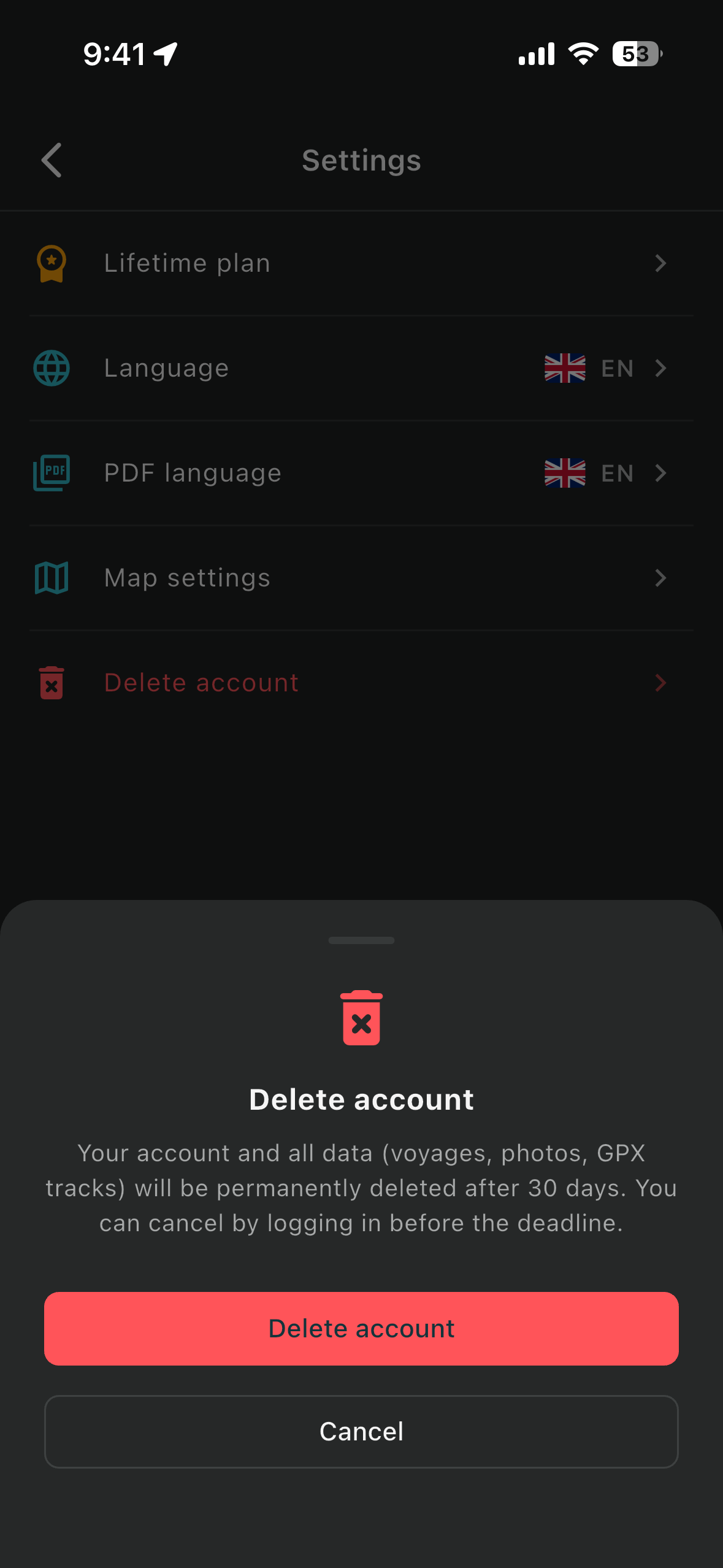
Follow these steps inside the Nauta Log app:
When your account is deleted, the following data is permanently removed from our servers:
Account deletion is permanent and cannot be undone. Data is fully removed within 30 days of the deletion request. If you have an active subscription, please cancel it before deleting your account to avoid future charges.